Emacs setup slowrun
I love to keep my computer organized.
The myriad urgencies of life, however, force me to end up with cluttered configurations. This issue is amplified on Windows due to my lack of experience with the operating system, as well as its own disobedient tendencies. Since the final year of college doesn't ask for much to be done, I was left to my own devices (quite literally), and decided to purge all the software I use and reorganize from scratch.
After dealing with a bloated Arch Linux WSL by replacing it with a Debian WSL, reaffirming Debian supremacy, I turned my attention to Emacs. Years of using resource constrained laptops had pushed me away from the standard VS Code, to the point that to this day, I am rancorous at the thought of using Eclipse, Android Studio or any of the "AI"-powered IDEs. The vi text editor was annoying at first, but I quickly became accustomed to it. I stuck to it for almost 2 years, and kept getting better at using it. The lack of easy filesystem navigation, however, had me peeved. Configurations felt like they were held together with tape. Watching Tsoding and Jonathan Blow use Dired on stream convinced me to try Emacs for once, and it has stuck with me ever since.
Although I avoided manual configuration as much as I could, I had borked my configuration by trying out a zillion colorschemes, and installed a lot of packages I never used more than once. So, I wiped the program directory and headed to the Emacs home page.
The downloads page for Windows on the FTP server looked like this:
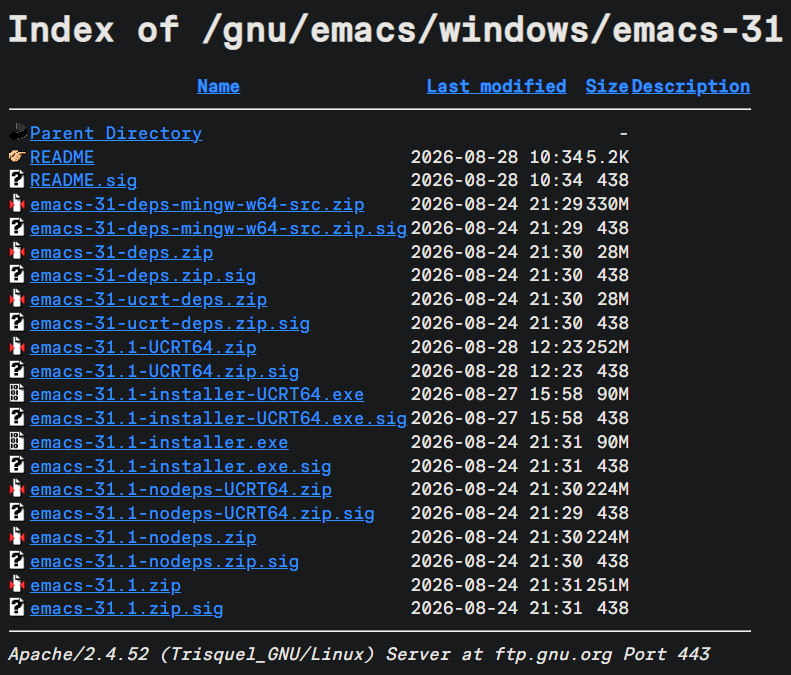
First off, I was on Emacs 30 before this, so I realized that I had not updated my editor for well over a year. Which also begs the question: Why do "IDEs" like Antigravity keep on updating every week? Is it because they are Electron applications that need to constantly waste time on updates to prevent getting RCE'd?
In any case, this time I decided to download the ZIP file instead of the installer. This is a preference I have developed thanks to my time with *nix based systems. The extracted directory came out to be 800 MB, which is the same ballpark as VS Code.
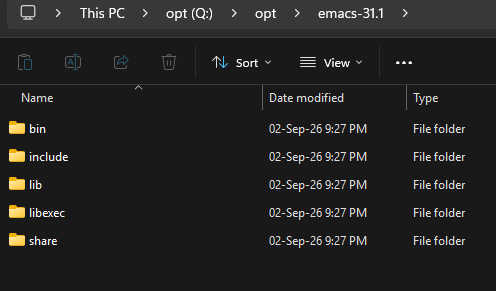
The difference is that VS Code takes around 1 GB on startup, while Emacs is using 50 MB right now when I am using it to write this article with org-mode. And so, I updated the PATH with this bin directory, pinned bin/runemacs to the taskbar, and started up the editor, to be greeted with this:
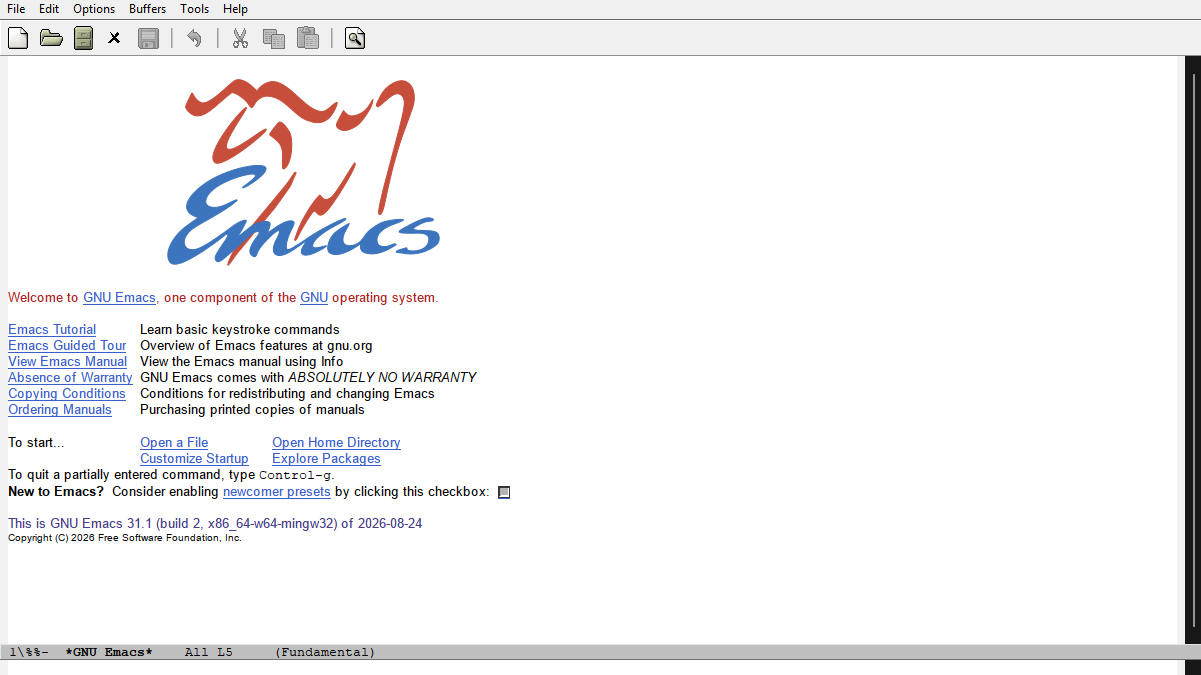
Quite the unappetizing splash screen, to say the least. Before I started changing these settings, I moved .emacs.d from %APPDATA% to the directory I just unzipped. Then, to keep Emacs happy, I made a symlink from %APPDATA%/.emacs.d to the actual .emacs.d directory with:
mklink /D "%APPDATA%\.emacs.d" "Q:\opt\emacs-31.1\.emacs.d"
This method can be used on the many installers for Windows applications that are designed to disregard the user's preferences for the installation directory.
With that, I began cleaning the layout, by editing init.el:
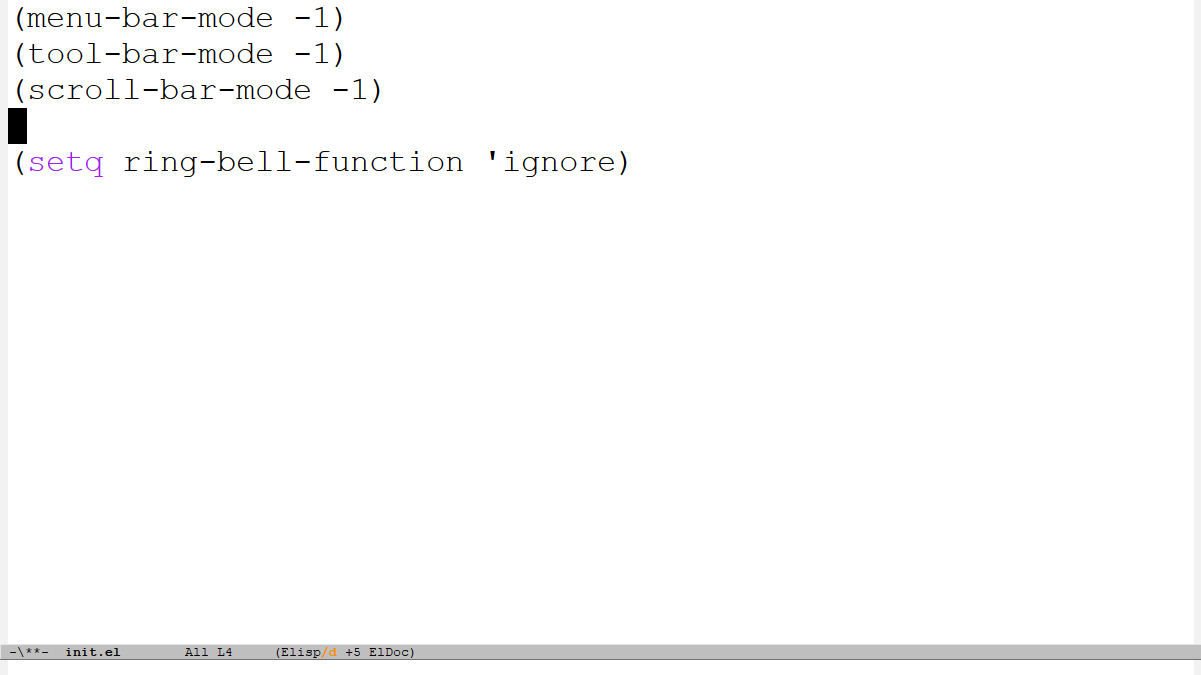
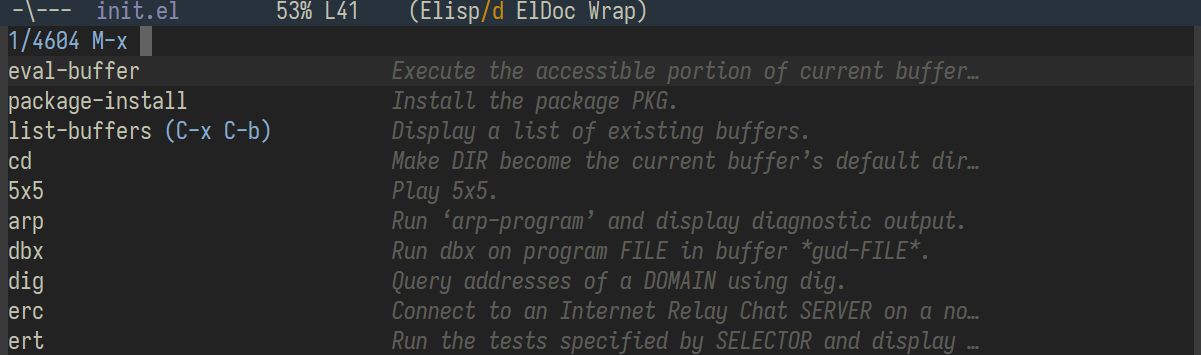
This gets rid of all the unnecessary bars, as well as the annoying bell sound on each "error". The neat part is, there is no need to restart the editor. Since the editor itself can be thought of as an Elisp interpreter, a simple [ M-x eval-buffer ] can be used to apply the changes immediately, as shown.
With the light theme singeing my eyes, I first thought of changing the theme to something good. But for that, I needed to set up MELPA (inbuilt themes are not fun):
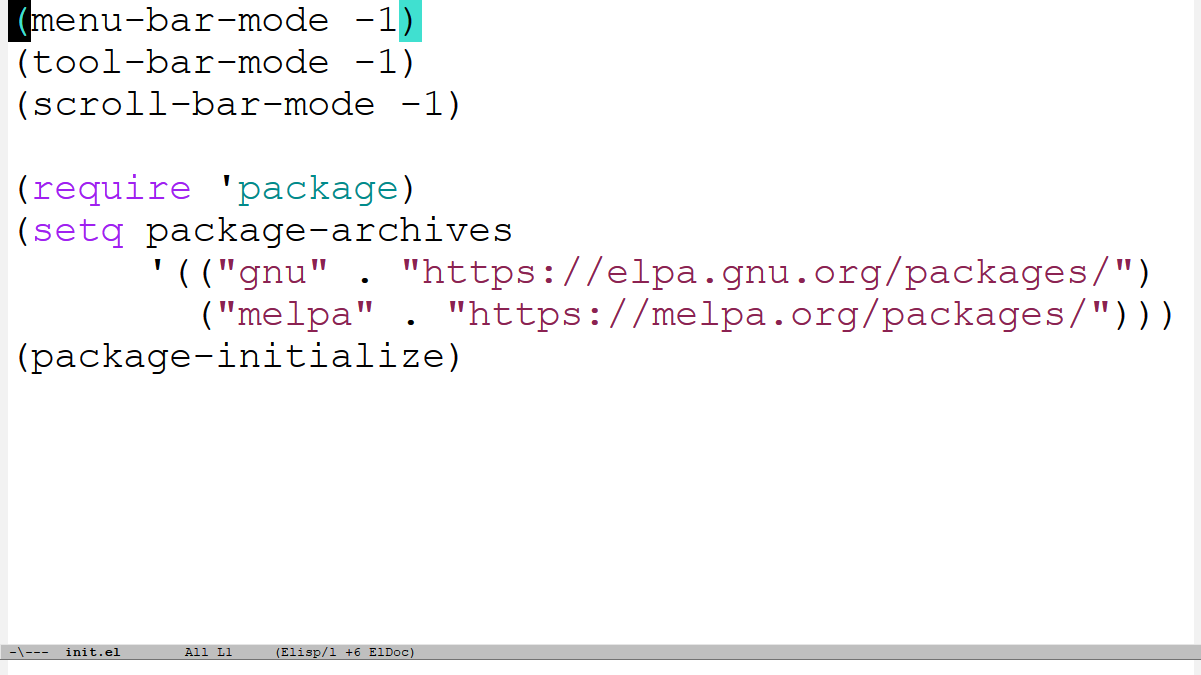
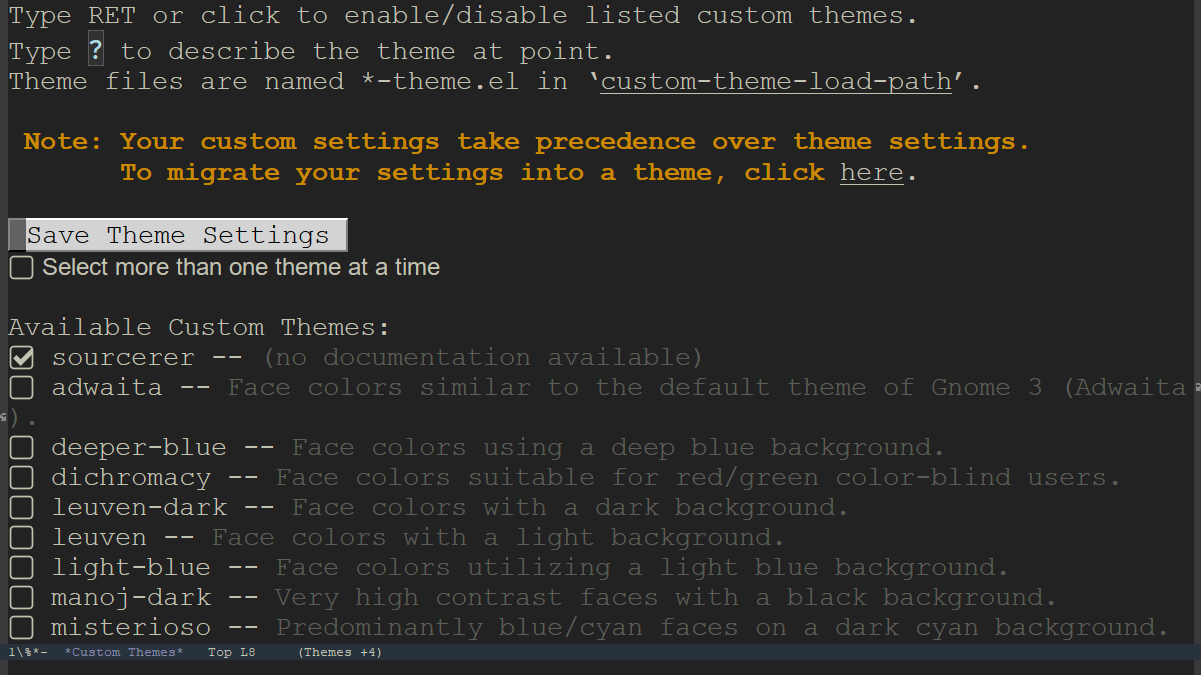
Then, after a [ M-x package-refresh-contents ], I headed to emacsthemes.com to find a suitable theme. There are a few things I look for in a theme:
- Should be a dark theme, with an almost black/grey background.
- Should not be a part of a family of themes, since that downloads all the themes in the family.
- The color for the selected region must be easy on the eyes.
- Should have good colors for syntax.
- Mode line should not be too bright.
With these in mind, I settled for the sourcerer theme:
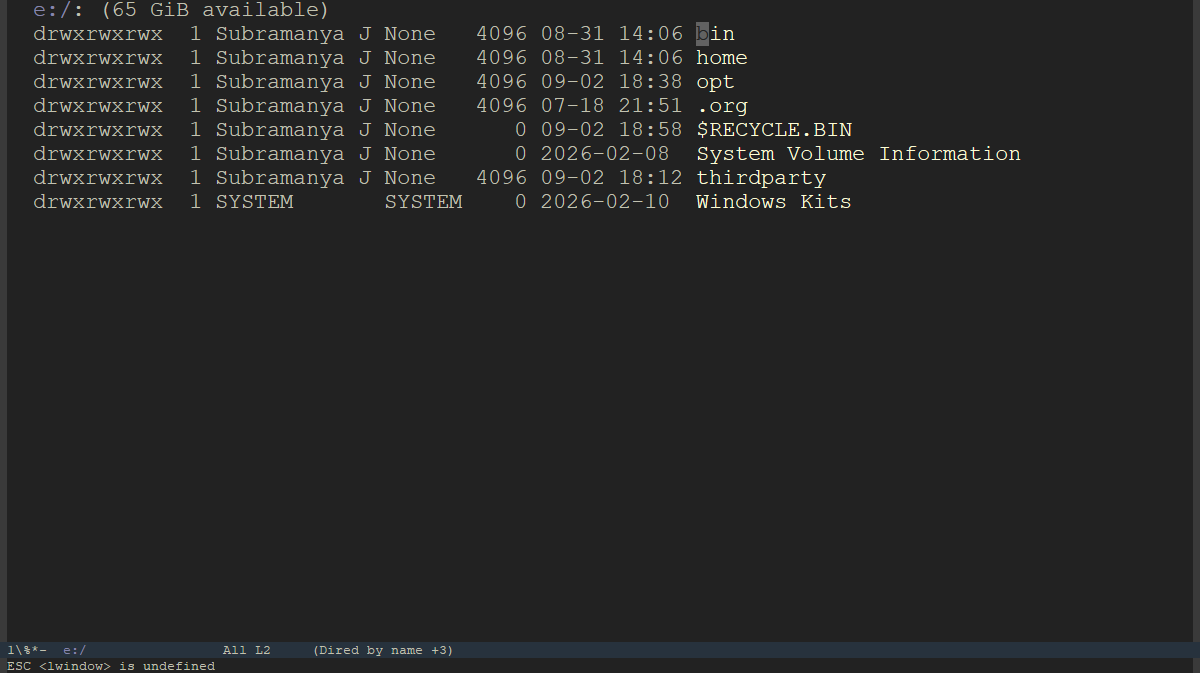
At this point, the splash screen with the big logo was still shown on startup. I replaced it with a dired buffer at e:\. The catch with dired is that it opens a new buffer for each directory I open instead of reusing the current one, so I had to set it to kill the current dired buffer when opening a new buffer, effectively giving the feeling that the same buffer is being reused (I could definitely have put that better). (I realized this when I was working with Java projects with deeply nested directories, which left a dozen useless dired buffers open). And then, after asking Emacs to always open in fullscreen mode, I ended up with this:
The next trifles that needed setting up:
- Set the font and font size to Iosevka Term 18. I was torn between Fira Code and Iosevka, but since Fira Code is being used in my terminal, the sleeker Iosevka does better here. Plus I'd rather look at the latter when I have to for long hours.
- For all practical purposes, dired mimics the output of the ls command, so I set dired-listing-switches to '-lah' rather than the default '-al' for better readability. See The Annoying Usefulness of Emacs.
- Relative line numbers for better navigation. Funnily enough, I never understood the need for the confusing relative line numbers when I was using vi, until I realised I can jump with j/k.
- Set M-c to the compile command. (I had totally forgotten that this is non-standard. Probably overwrites something else which was set to M-c).
- Set a custom compile command: mingw32-make.
- Use tabs as indentation and remove the default text in the scratch buffer.
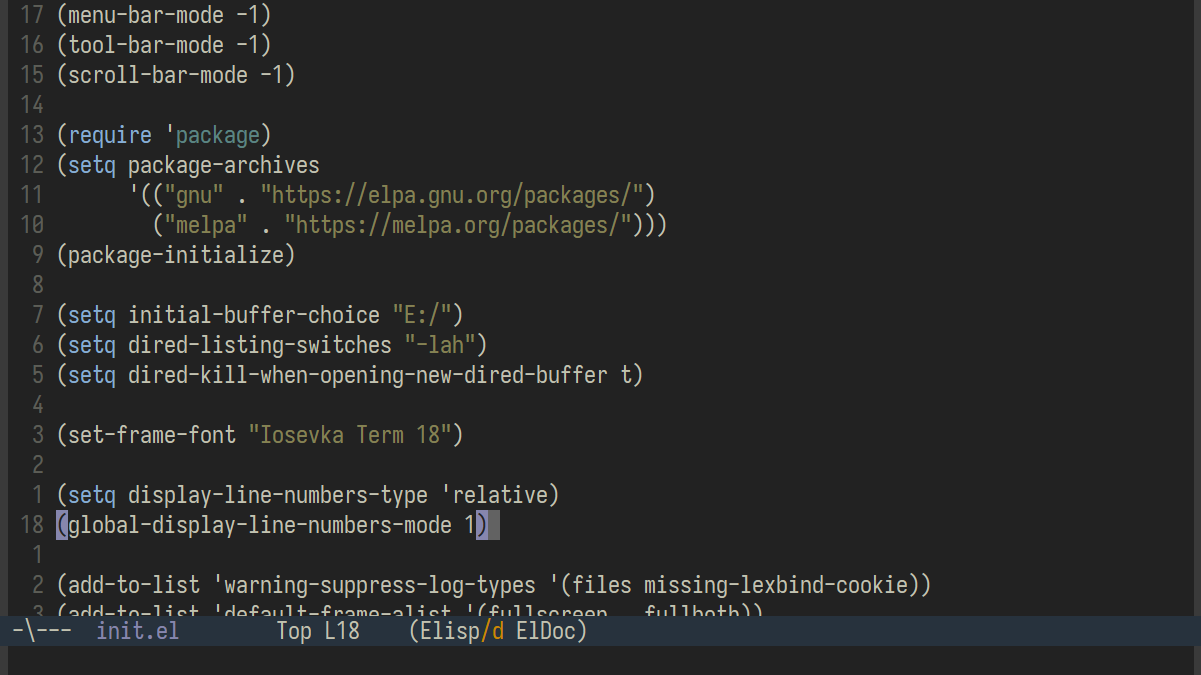
At this point, most of the visual state I was used to was back. All that was left to restore was the functionality. When I first started using Emacs, I immediately added the packages that I am going to describe ahead. Hence, the "normal" Emacs experience comes with these for me, and I shall describe them in short.
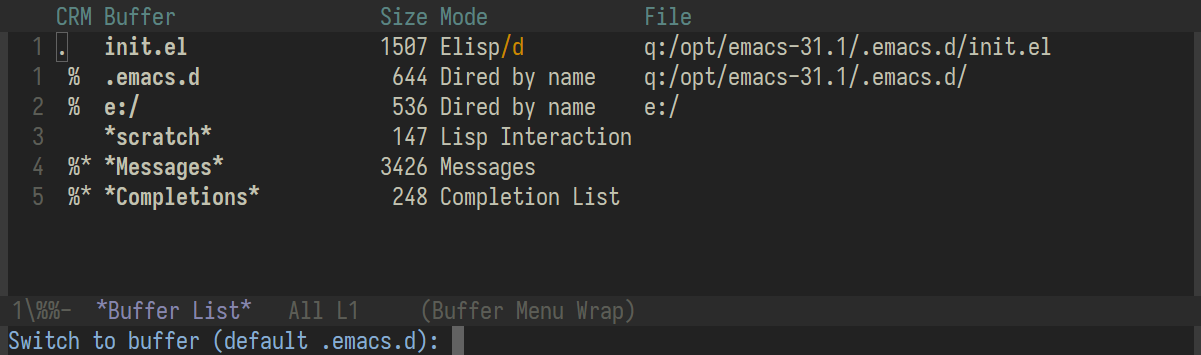
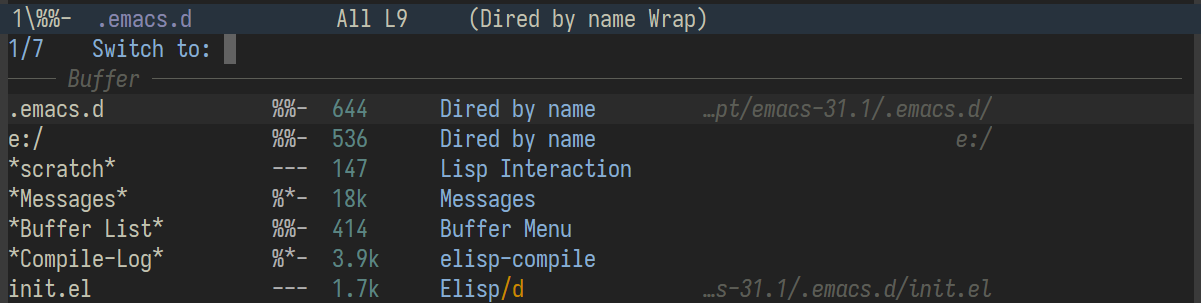
Switching buffers, or opening files does not come with a good built-in autocomplete, and requires the user to either remember the names of all the open buffers, or open the buffer list to see which buffers are open, as shown:
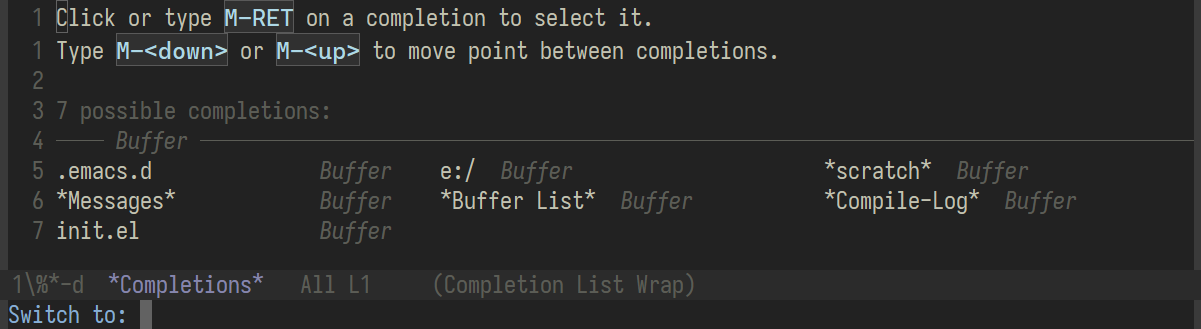
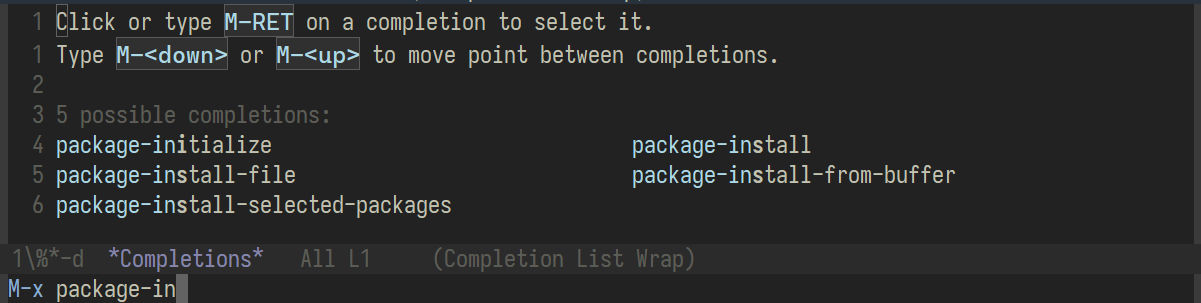
The consult package helps with this by making TAB augment the minibuffer completion of available autocomplete options as shown, although these options cannot be navigated through with arrow keys.
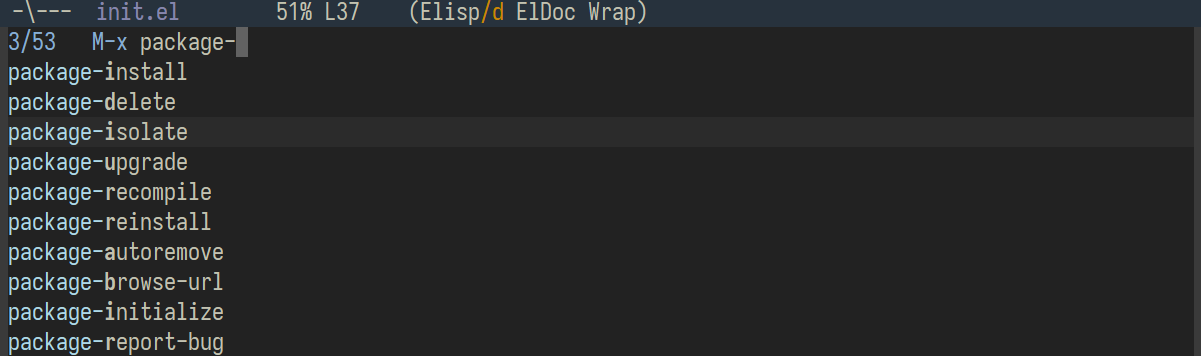
The navigability issue is solved by the vertico package, which also conveniently arranges the options in a vertical manner.
To augment these, I use marginalia for buffer descriptions, and orderless for flexible matching.
Since I was a vi user, I prefer committing blasphemy and using evil-mode with Emacs to finish the setup:
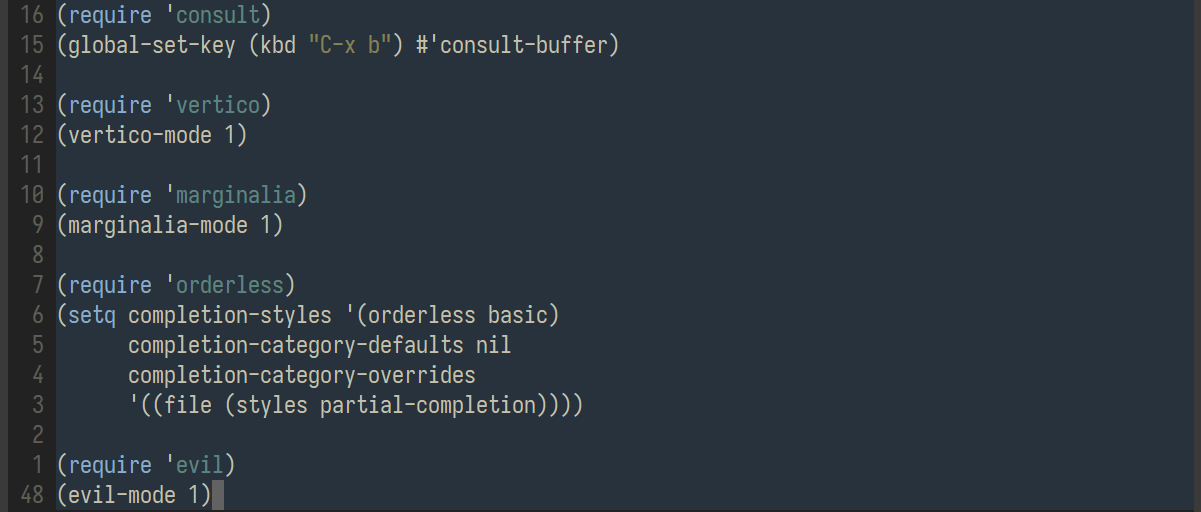
I debated the use of evil-mode, but in the end decided that being a puritan amounts to nothing, and the learned shortcuts are better utilized with this major mode.
And with that, the editor looks like this:
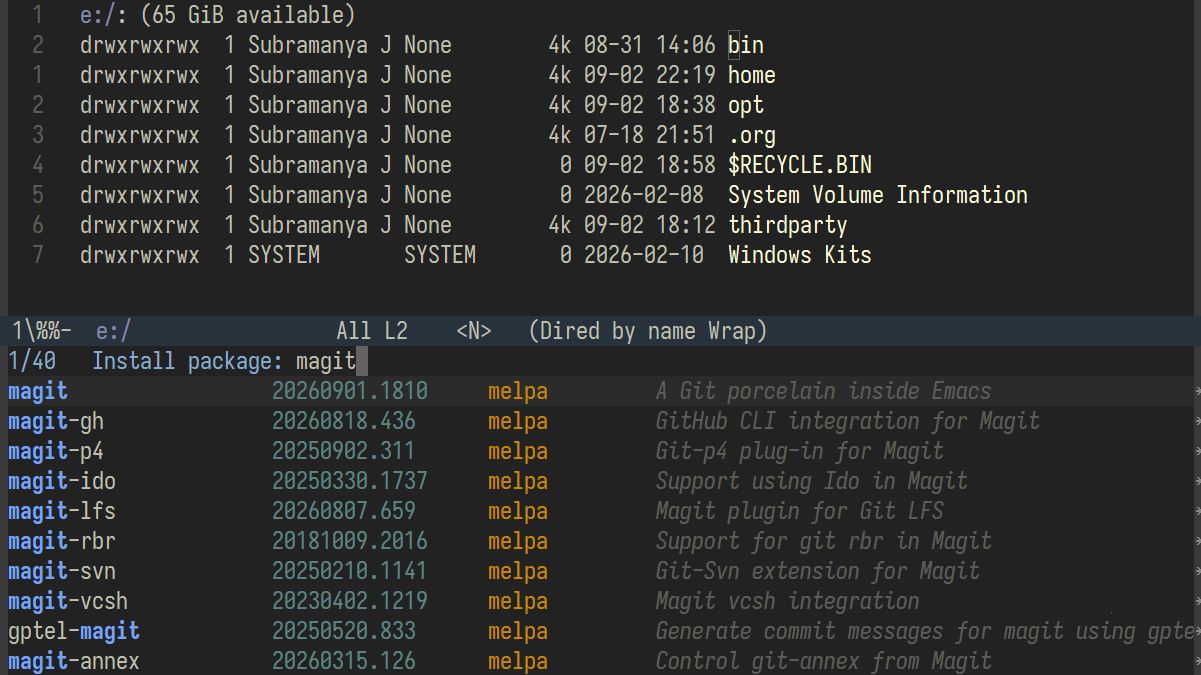
Quaint. Sometimes I do feel like I am falling behind the curve, with no "AI" integrations. There seems to be a new model, a new integration, a new gimmick every week in that field. Forget that, I do not even have autocomplete set up. I am not sure whether I need it or not. But maybe, it is for the better. In times where we do not know what direction we are headed in, it is nice to have my own brain do some thinking for me and my own feet on the ground. For someone who likes to look at programming as an art for fun, I'm content with this editor from the 80s.
P.S. High time I learnt how to use magit and multiple cursors.
Here is the full init.el:
(menu-bar-mode -1)
(tool-bar-mode -1)
(scroll-bar-mode -1)
(setq initial-scratch-message nil)

(require 'package)
(setq package-archives
      '(("gnu" . "https://elpa.gnu.org/packages/")
        ("melpa" . "https://melpa.org/packages/")))
(package-initialize)

(setq initial-buffer-choice "E:/")
(setq dired-listing-switches "-lah")
(setq dired-kill-when-opening-new-dired-buffer t)
(fset 'yes-or-no-p 'y-or-n-p)

(set-frame-font "Iosevka Term 18")
(global-visual-line-mode 1)
(setq ring-bell-function 'ignore)
(setq display-line-numbers-type 'relative)
(global-display-line-numbers-mode 1)
(add-to-list 'default-frame-alist '(fullscreen . fullboth))

(add-to-list 'warning-suppress-log-types '(files missing-lexbind-cookie))
(setq make-backup-files nil
      auto-save-default nil
      create-lockfiles nil)

(global-set-key (kbd "M-c") #'compile)
(setq compile-command "mingw32-make")

(setq-default indent-tabs-mode t
              tab-width 4)

(require 'consult)
(global-set-key (kbd "C-x b") #'consult-buffer)

(require 'vertico)
(vertico-mode 1)

(require 'marginalia)
(marginalia-mode 1)

(require 'orderless)
(setq completion-styles '(orderless basic)
      completion-category-defaults nil
      completion-category-overrides
      '((file (styles partial-completion))))

(require 'evil)
(evil-mode 1)